1
/
of
9
colorich
802XL Ink Cartridges 3 Pack Compatible for Epson 802 Ink 802 XL Printer Ink for Epson WF-4740 WF-4730 WF-4720 WF-4734 WF-4745 EC-4020 EC-4030 EC-4040 (1 Cyan, 1 Magenta, 1 Yellow)
Regular price
$35.68 USD
Regular price
Sale price
$35.68 USD
Share
Quantity
Couldn't load pickup availability
?? Package included:
802XL Ink Cartridge 1-Pack Cyan,1-Pack Magenta,1-Pack Yellow 802 XL Ink Cartridge
?? High Page Yield :
1900 Pages Per 802XL Color Ink Cartridge(At 5% coverage)
?? Compatible Ink Cartridge Compatible for Printer:
WorkForce Pro WF-4740 WF-4730 WF-4720 WF-4734 WF-4745
Workforce Pro EC-4020 EC-4030 EC-4040
Warm Tips: Please carefully check the compatible printer models of the 802 ink cartridges for EPSON printers and confirm your printer model before purchasing.
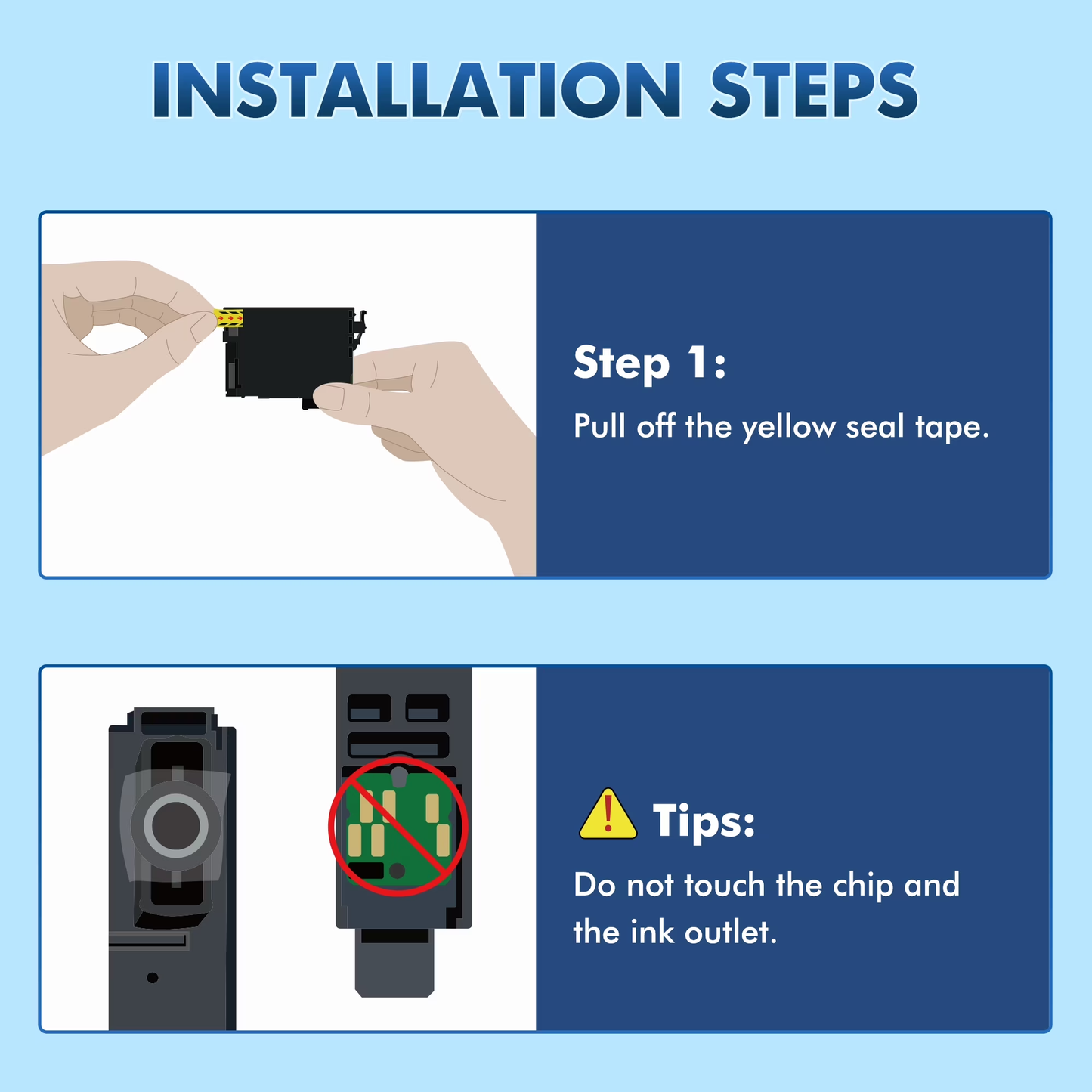
?? Installation Steps:
Step 1: Tear off the sealing tape
Step 2: Remove the protective cap carefully
Step 3: Install the ink cartridge into the corresponding slot
(Attention: Do not touch the chip or the ink port)
??WARM TiPs:
1. Before placing an order,please be sure to confirm your printer model
2.If prints come with fading color, steak or broken lines when installing new ink cartridges,please try to do printer head cleaning in printer setting once or twice.
??Notice! Due to our product contains multiple packaging, the ad images and packaging received by customers may have different situations, but the product functions are the same and do not affect usage.
View full details
802XL Ink Cartridge 1-Pack Cyan,1-Pack Magenta,1-Pack Yellow 802 XL Ink Cartridge
?? High Page Yield :
1900 Pages Per 802XL Color Ink Cartridge(At 5% coverage)
?? Compatible Ink Cartridge Compatible for Printer:
WorkForce Pro WF-4740 WF-4730 WF-4720 WF-4734 WF-4745
Workforce Pro EC-4020 EC-4030 EC-4040
Warm Tips: Please carefully check the compatible printer models of the 802 ink cartridges for EPSON printers and confirm your printer model before purchasing.
?? Installation Steps:
Step 1: Tear off the sealing tape
Step 2: Remove the protective cap carefully
Step 3: Install the ink cartridge into the corresponding slot
(Attention: Do not touch the chip or the ink port)
??WARM TiPs:
1. Before placing an order,please be sure to confirm your printer model
2.If prints come with fading color, steak or broken lines when installing new ink cartridges,please try to do printer head cleaning in printer setting once or twice.
??Notice! Due to our product contains multiple packaging, the ad images and packaging received by customers may have different situations, but the product functions are the same and do not affect usage.